How to Check an Airdrop for Scams and Claim Tokens Safely Without Losing Your Wallet Funds
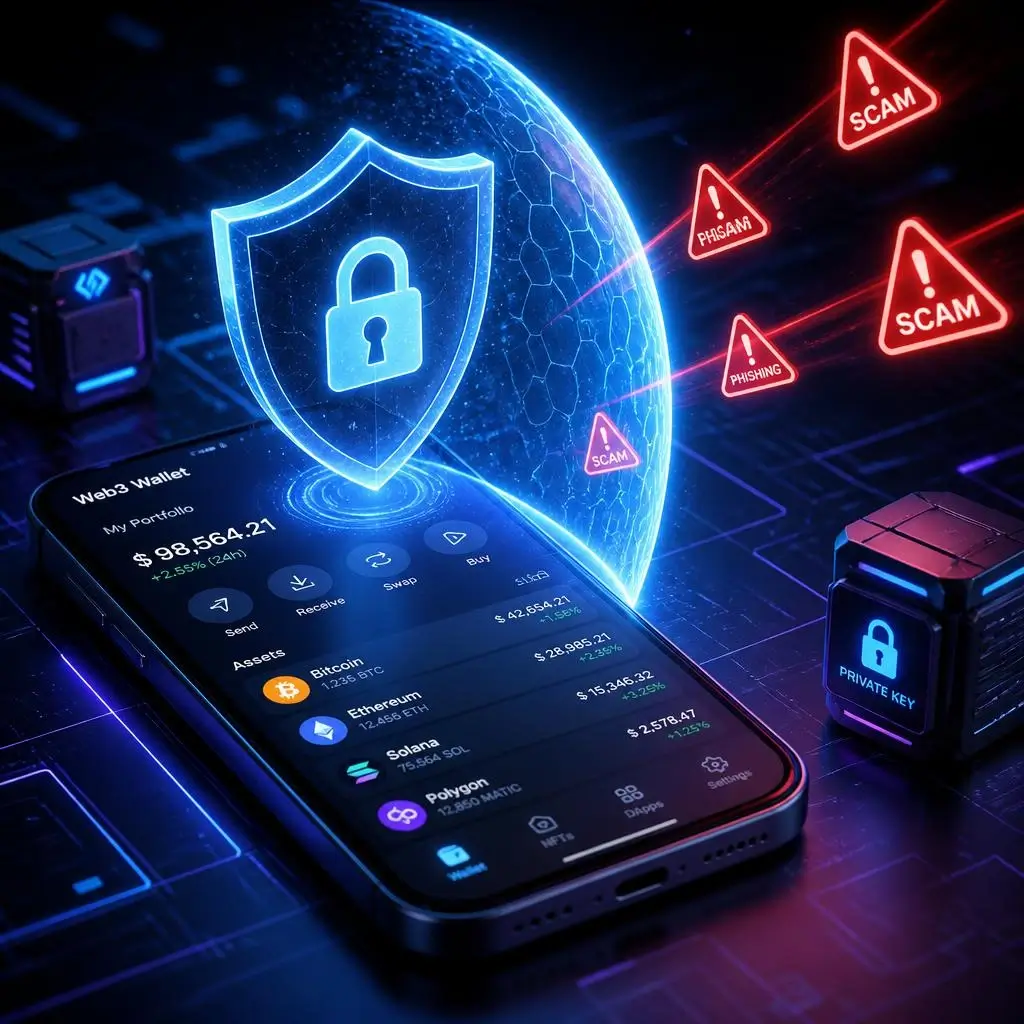
Claiming free tokens and participating in crypto airdrops is one of the most popular ways to build an initial capital in Web3. However, as the niche grows, malicious actors become more active. Every day, thousands of users lose their savings to phishing websites, malicious smart contracts, and fake announcements.
In this comprehensive guide, we will break down how to check an airdrop for scams, properly prepare your wallet for token claims, and protect your cryptocurrency assets from hacks and drainers.
Why Do Scammers Target Airdrop Hunters?
The primary weapon of crypto scammers is FOMO (Fear Of Missing Out) and urgency. When a project announces long-awaited token claims, users rush to connect their wallets, forgetting basic security practices. To better understand how bad actors operate across Web3, check out our comprehensive guide on common crypto scams and how to avoid them.
The most common airdrop scam schemes include:
-
Phishing Clone Websites: Fake web pages of famous projects that differ by only a single letter in the domain name.
-
Fake Airdrop / Drainers: When signing a transaction, a malicious smart contract gains full permission to drain all assets from your wallet in a matter of seconds.
-
Upfront “Claim Fee” Demands: Scammers ask you to send ETH, SOL, or BNB directly to their address, promising tokens in return. Remember: Legitimate airdrops never require direct asset transfers to external personal addresses!
-
Unsolicited Air-Dropped Spam Tokens: You receive an unknown token in your wallet with a link in the description leading to a swap site. Connecting your wallet to swap it drains your funds.
Checklist: How to Spot an Airdrop Scam Before Participating
Before interacting with any website or connecting your Web3 wallet, complete these 5 verification steps:
1. Verify Official Information Sources
Never click on links received in private direct messages on Telegram or Discord, or from replies under X (Twitter) posts.
-
Always navigate to project websites via trusted aggregators like CoinMarketCap, CoinGecko, or CryptoRank.
-
Check the official project account on X (Twitter). Pay attention to the account creation date, subscriber count, and whether reputable venture funds or influencers follow them.
2. Analyze the Token Smart Contract
If the contract address is publicly available, verify it using dedicated Web3 security tools:
-
Token Sniffer or GoPlus Security: These tools reveal risk scores, honeypot functions (inability to sell), or unlimited token minting capabilities.
-
Block Explorers (Etherscan, BscScan, Solscan): Check holder distribution and transaction history. A token launched two hours ago with only 2–3 holders is a major red flag.
3. Use Transaction Simulation Extensions
Install browser-based Web3 security extensions (such as Pocket Universe, Wallet Guard, or Blowfish). They simulate the transaction before you sign it, showing exactly what will happen to your assets—whether it is a standard claim or an attempt to drain your wallet.
Step-by-Step Guide: How to Safely Claim Airdrop Token
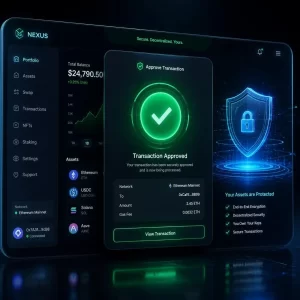
Once you have verified the authenticity of a project and it’s time to claim your tokens, follow this step-by-step checklist for maximum protection.
Step 1. Always Use a Dedicated “Burner Wallet”
Never connect your primary mainnet wallet (where long-term holdings and NFTs are stored) to new or unverified dApps.
-
Create a dedicated burner wallet specifically for participating in and claiming airdrops.
-
Keep only the minimum necessary amount in native network tokens (ETH, SOL, BNB) needed to cover gas fees.
Step 2. Carefully Inspect Approvals Before Signing
When claiming, pay close attention to what the smart contract is requesting inside your MetaMask or Phantom window:
-
If the contract requests “Set Approval For All” or unlimited allowances for your existing tokens, cancel the transaction immediately!
-
Standard token claims only require a basic contract interaction or a plain message signature (Sign message).
Step 3. Revoke Approvals Immediately After Claiming
After successfully claiming your tokens, immediately revoke all granted smart contract approvals. This ensures that even if the project is compromised in the future, your wallet remains safe.
Top tools for revoking smart contract permissions:
-
Revoke.cash (supports most EVM chains)
-
Etherscan / BscScan Token Approval tools
-
Solflare / Phantom Approved Apps settings (for Solana)
What to Do If You Interacted With a Scam Website?
If you suspect you signed a malicious transaction:
-
Immediately transfer remaining funds to a completely new, clean wallet address.
-
Go to Revoke.cash and urgently revoke all active allowances for that compromised address.
-
Disconnect the malicious site from your wallet’s list of connected sites (Connected Apps).
Conclusion
Crypto airdrops are an excellent tool for building capital in Web3, but security must always come first. Stick to using a dedicated burner wallet, double-check official links, and regularly revoke smart contract permissions.
Bookmark this guide and share it with fellow crypto enthusiasts to keep your Web3 assets safe!