Walt Telegram Crypto Wallet Review: Trading, Earn & Security Guide
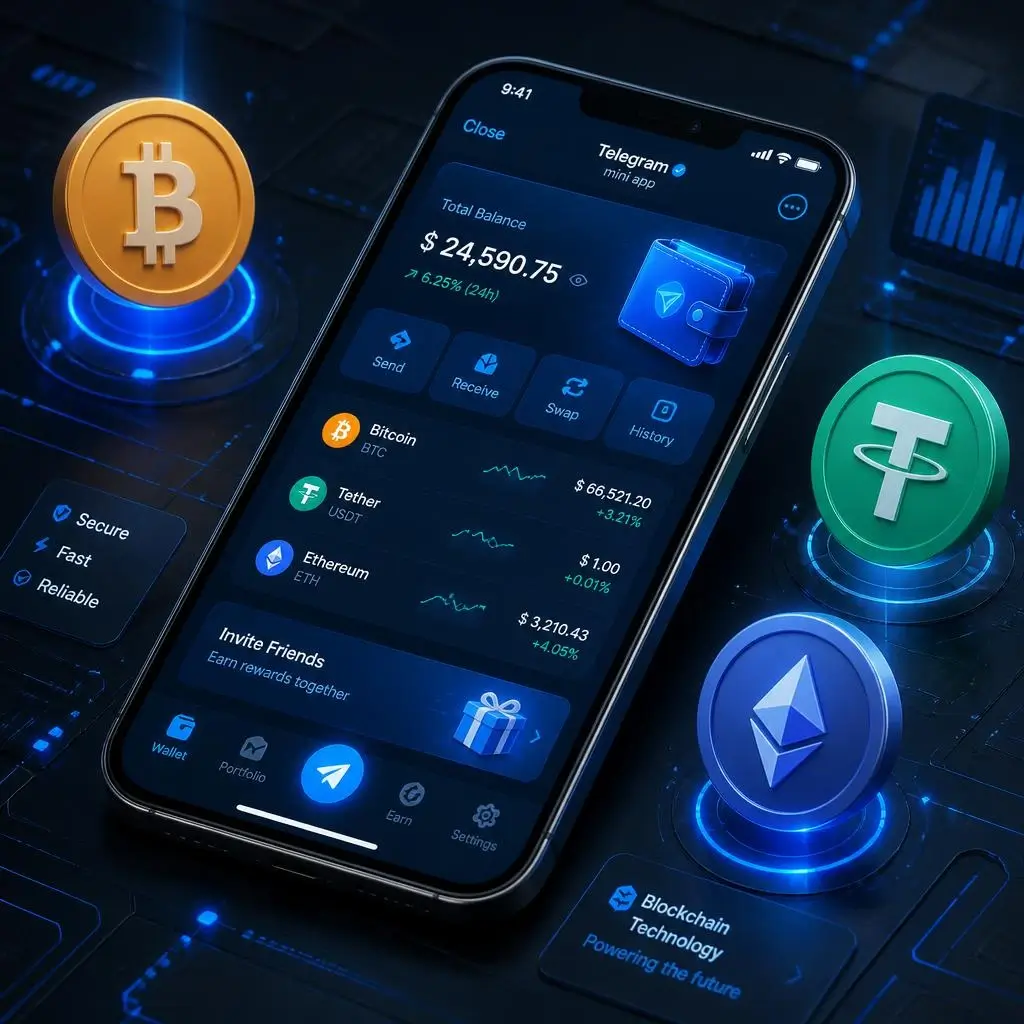
Managing digital assets inside messaging apps has transformed Web3 accessibility. Walt (formerly known as Wallet in Telegram or @wallet) is the flagship custodial Telegram mini-app used by tens of millions of users worldwide to buy, transfer, trade, and earn yield on crypto assets directly inside the messenger.
In this updated guide, we explore how Walt works, how it compares to self-custodial Web3 apps, how to trade tokenized assets (xStocks), and how to safely store your funds.
🚀 Quick Access: You can launch the official verified mini-app directly inside Telegram via this link: Open Walt Telegram Wallet.
What is Walt in Telegram?
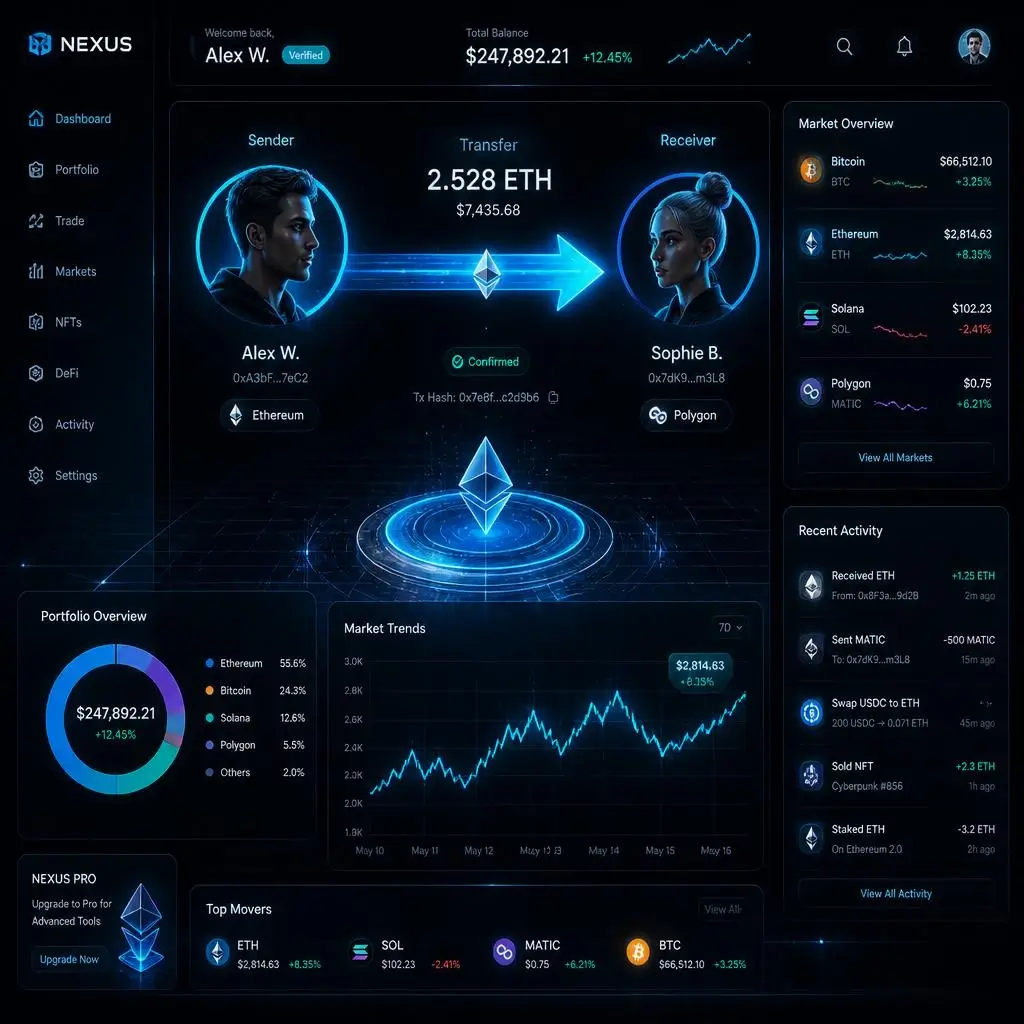
Walt is a Telegram-native Web3 ecosystem operated by TG Wallet Inc. Originally launched as a basic wallet for Toncoin (now rebranded to Gram) and Bitcoin, Walt has evolved into a comprehensive financial hub supporting over 300 crypto assets, perpetual futures, and tokenized real-world assets.
Core Features of Walt:
-
Zero-Fee Contact Transfers: Send USDT, Gram, BTC, ETH, and SOL instantly to any Telegram user in your contacts list without paying network gas fees.
-
Spot & Perpetual Trading: Trade spot markets or open leveraged long/short positions directly within the Telegram UI.
-
xStocks (Tokenized Equities): Trade price-linked digital representations of major US stocks (Apple, Tesla, Nvidia) and index funds.
-
Earn Programs: Generate passive APY yields on idle USDT and crypto balances.
-
P2P & Fiat On-Ramps: Purchase or sell crypto using local currency via peer-to-peer trading or debit/credit card integrations.
Walt vs Self-Custodial Wallets: Finding the Right Balance
Because Walt is a custodial platform, TG Wallet Inc. manages the underlying private keys on your behalf. This makes account recovery through customer support easy if you lose your phone, but it also means you do not control the raw seed phrase.
To build a balanced Web3 strategy, crypto users often pair custodial convenience with standalone self-custodial apps:
-
For TON & Gram Ecosystem: If you prefer full self-custody where you control 100% of your private keys on The Open Network, read our detailed Tonkeeper Wallet Review.
-
For Multi-Chain & Solana dApps: If you regularly interact with Solana or EVM decentralized applications, check out our in-depth Phantom Wallet Review.
How to Get Started with Walt
Getting started takes less than a minute inside Telegram:
-
Launch the Mini App: Click the official link to start the Walt Telegram Wallet.
-
Complete Basic Verification: Select your preferred verification tier to unlock deposit limits and P2P trading features.
-
Set Up Security: Enable a dedicated Walt passcode inside the app and ensure Telegram’s 2-Step Verification (Cloud Password) is active.
-
Deposit Funds: Transfer tokens from an external exchange, receive transfers from contacts, or use the built-in P2P market.
Essential Security Rules for Telegram Crypto Users
Operating crypto inside a social messenger requires strict account protection. Follow these security principles to keep your assets safe:
1. Secure Your Telegram Account
Because access to Walt is linked to your Telegram profile, an compromised messenger account can expose your wallet. Always turn on Two-Step Verification (2FA) under Telegram Settings > Privacy and Security.
2. Guard Against Phishing and Fake Support Bots
Scammers often set up fake Telegram channels or bots mimicking official support. Official representatives will never ask for your passwords or request direct token transfers.
3. Use Burner Wallets for Unverified Airdrops
While Walt is convenient for trading and peer-to-peer transfers, never connect your primary wallets or custodial accounts to unverified third-party dApps. When interacting with new Web3 testing protocols or claiming rewards, follow our step-by-step checklist on how to check an airdrop for scams and claim tokens safely.
Conclusion
Walt provides an exceptionally smooth gateway into Web3 finance by eliminating the friction of traditional crypto transactions. With instant contact transfers, tokenized stocks, and perpetual trading, it serves as a powerful daily wallet inside Telegram.
Ready to explore Telegram Web3 features? Launch the verified app today via Walt on Telegram and explore our Wallets & Security category for more Web3 guides and safety tips!